This discussion has been locked.
You can no longer post new replies to this discussion. If you have a question you can start a new discussion

Slow bandwidth file transfer Vlan to Vlan

Hello, i'm experiencing an issue with my XG105w.


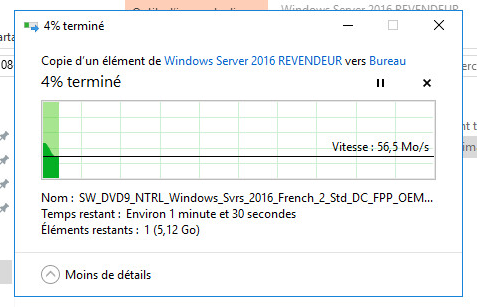
I have multiple Vlans in my network created with the xg105w, and when i transfer a file from 1 server being in the Vlan 1 to another server being in another Vlan, the transfer speed is limited at 60MB/s (480Mbps) (cf. screenshot below):
 ,

but if i transfer a file between 2 servers in the same VLAN, the speed is OK at 120MB/s (1Gbps) as shown below:
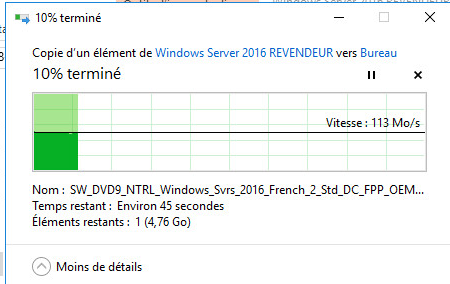


Do you have any ideas ?


Thanks.

Viken


This thread was automatically locked due to age.
Parents
  • Hi Viken,

    Welcome to the Sophos Community.

    Can you please show me the interface configurations for the associated VLANs and meanwhile, check #4 in my troubleshooting guide.

    Cheers-

    Sachin Gurung
    Team Lead | Sophos Technical Support
    Knowledge Base  |  @SophosSupport  |  Video tutorials
    Remember to like a post.  If a post (on a question thread) solves your question use the 'This helped me' link.

  • Hi Sachin,

    Thank you for your answer.

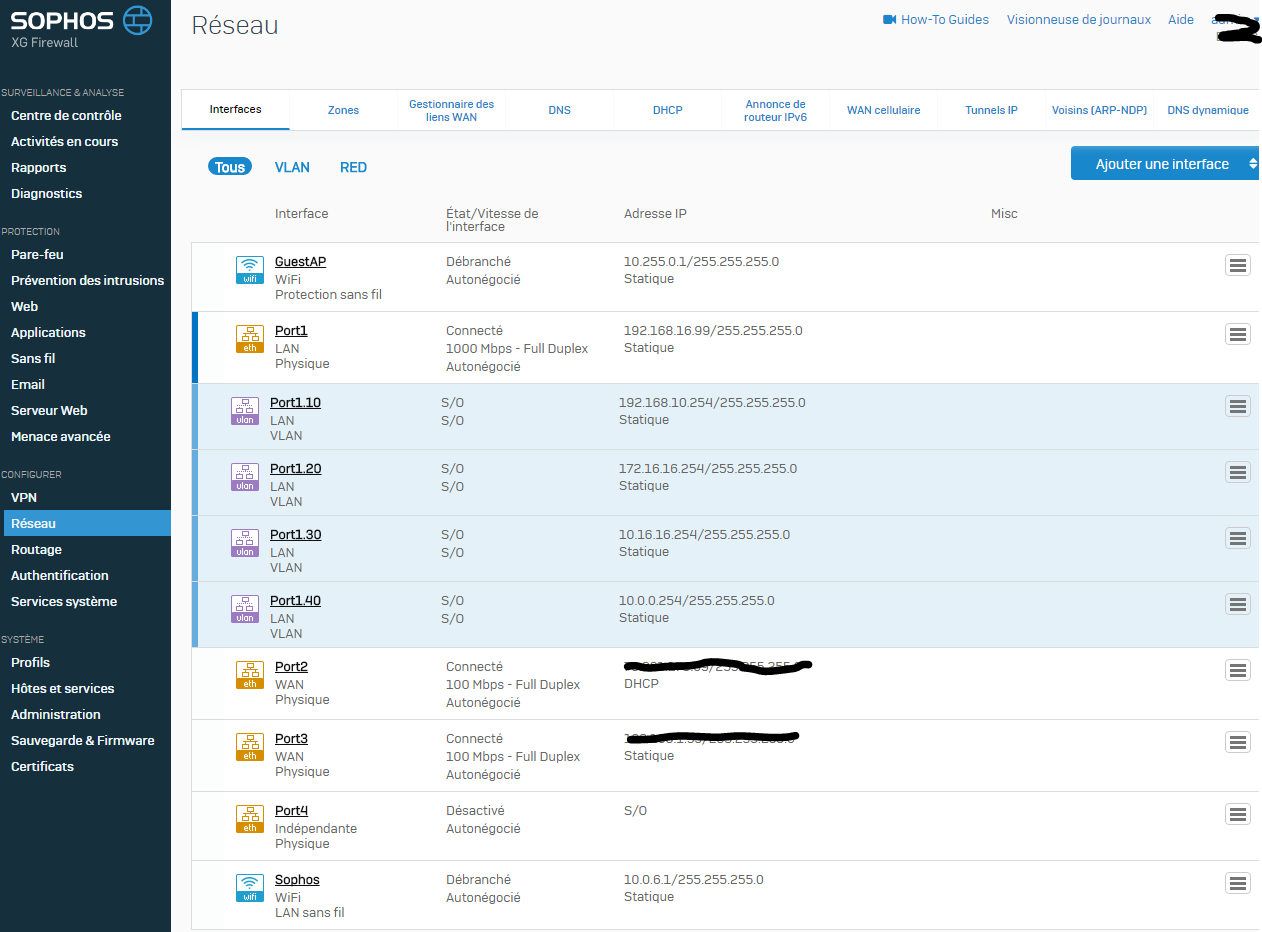
    Here is a screenshot from the network interfaces tab : 


    I'm reading the #4 from your troubleshooting guide but i don't understand 100% of it, i will analyze it.

  • Let me know where you can't understand a step and I will guide you. 

    Sachin Gurung
    Team Lead | Sophos Technical Support
    Knowledge Base  |  @SophosSupport  |  Video tutorials
    Remember to like a post.  If a post (on a question thread) solves your question use the 'This helped me' link.

  • I will analyze it later.

    I just tested a new thing right now:

    I configured the port 4 of the xg105, and created a new Vlan on it (Vlan 800). Then i plugged a PC and configured it to be in the new Vlan on the port 4 and tested a file transfer between the Vlan 1 and the Vlan 800. The speed was OK ~990Mbps. But when i tested a file transfer between Vlan 800 and Vlan 10, the speed was as bad as the transfer speed between my other vlans (~480Mbps)

    To understand:

    Physical Port 1 hosts Vlan 1 (which is in reality LAN, not Vlan, because this is the network configured physically on the port 1) , Vlan10, Vlan20, Vlan30 and Vlan40. Physical Port 4 hosts Vlan 800.

    Here are the file transfers tested:

    • Vlan 1 to Vlan 1 ~990Mbps
    • Vlan 1 to Vlan 10 ~480Mbps
    • Vlan 10 to Vlan 20 ~480Mbps
    • Vlan 30 to Vlan 1 ~480Mbps
    • Vlan 800 to Vlan 1 ~990Mbps
    • Vlan 10 to Vlan 800 ~480Mbps

    Any suggestions?

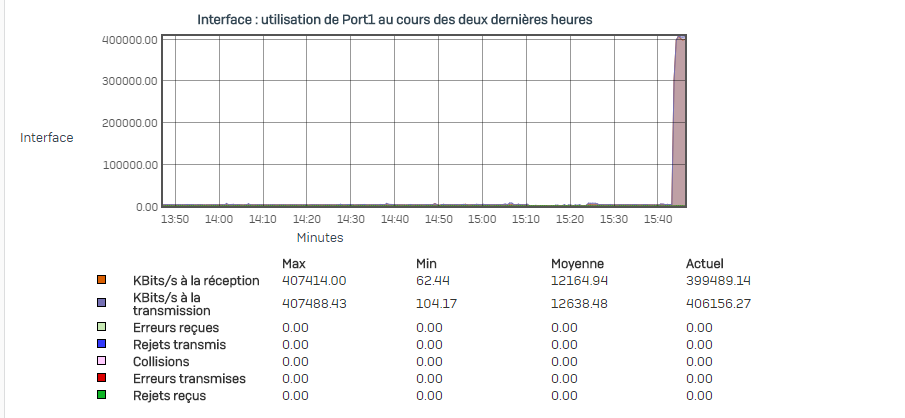
  • Hello, i read your troubleshooting guide. The #4 is ok for me, i dont have any droped paquets and error. The #4.1 says that it may be a DNS error, but even if i try the transfer file by IP Address the issue is the same.


    Thank you.

  • What is speed negotiation configured for the interface where the VLAN10 and VLAN30 are defined? Set it to Auto Negotiate and test the speed. 

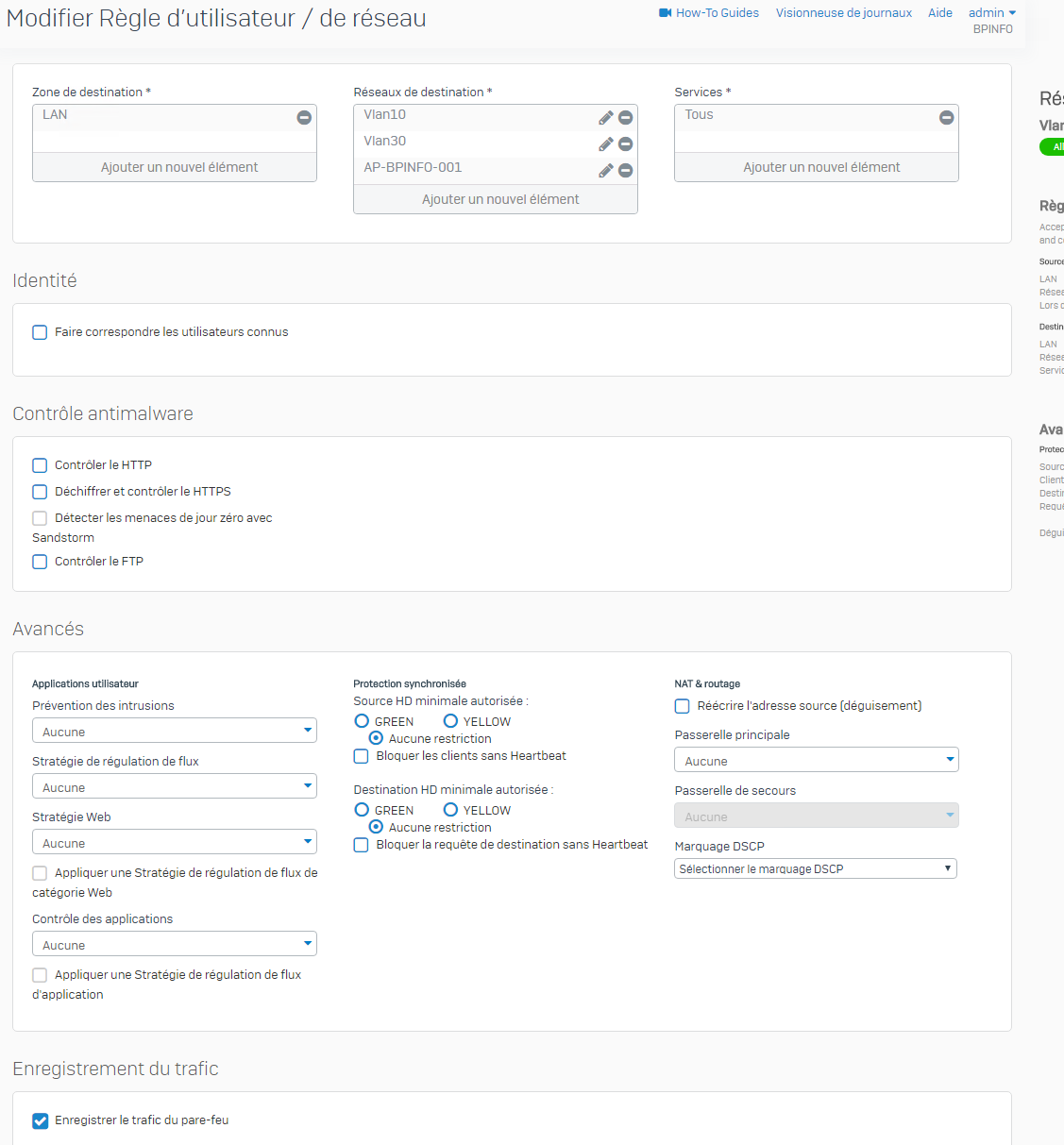
    Is IPS defined in the firewall rule for the VLAN?

    Cheers-

    Sachin Gurung
    Team Lead | Sophos Technical Support
    Knowledge Base  |  @SophosSupport  |  Video tutorials
    Remember to like a post.  If a post (on a question thread) solves your question use the 'This helped me' link.

Reply Children