This discussion has been locked.
You can no longer post new replies to this discussion. If you have a question you can start a new discussion

Sophos Mobile - can't enroll Android device

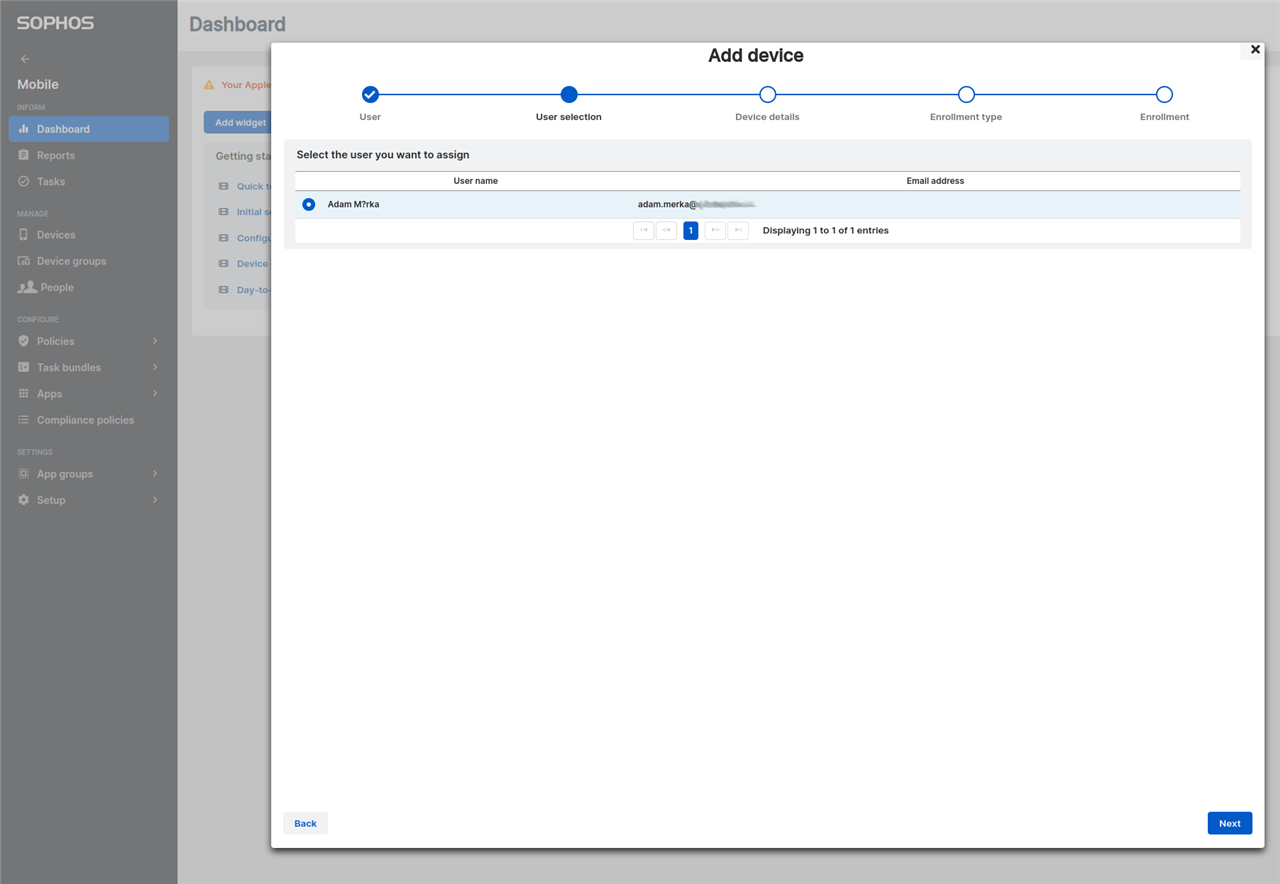
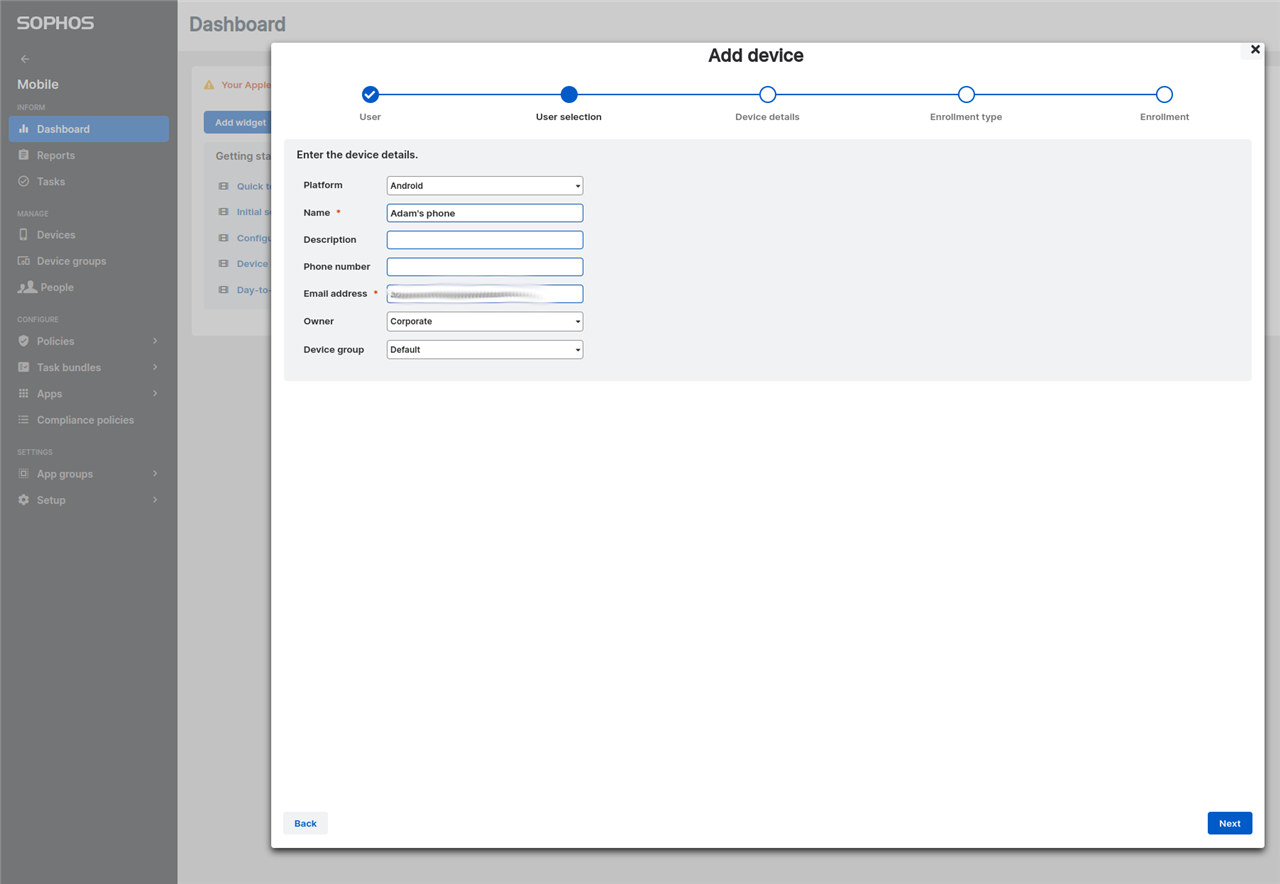
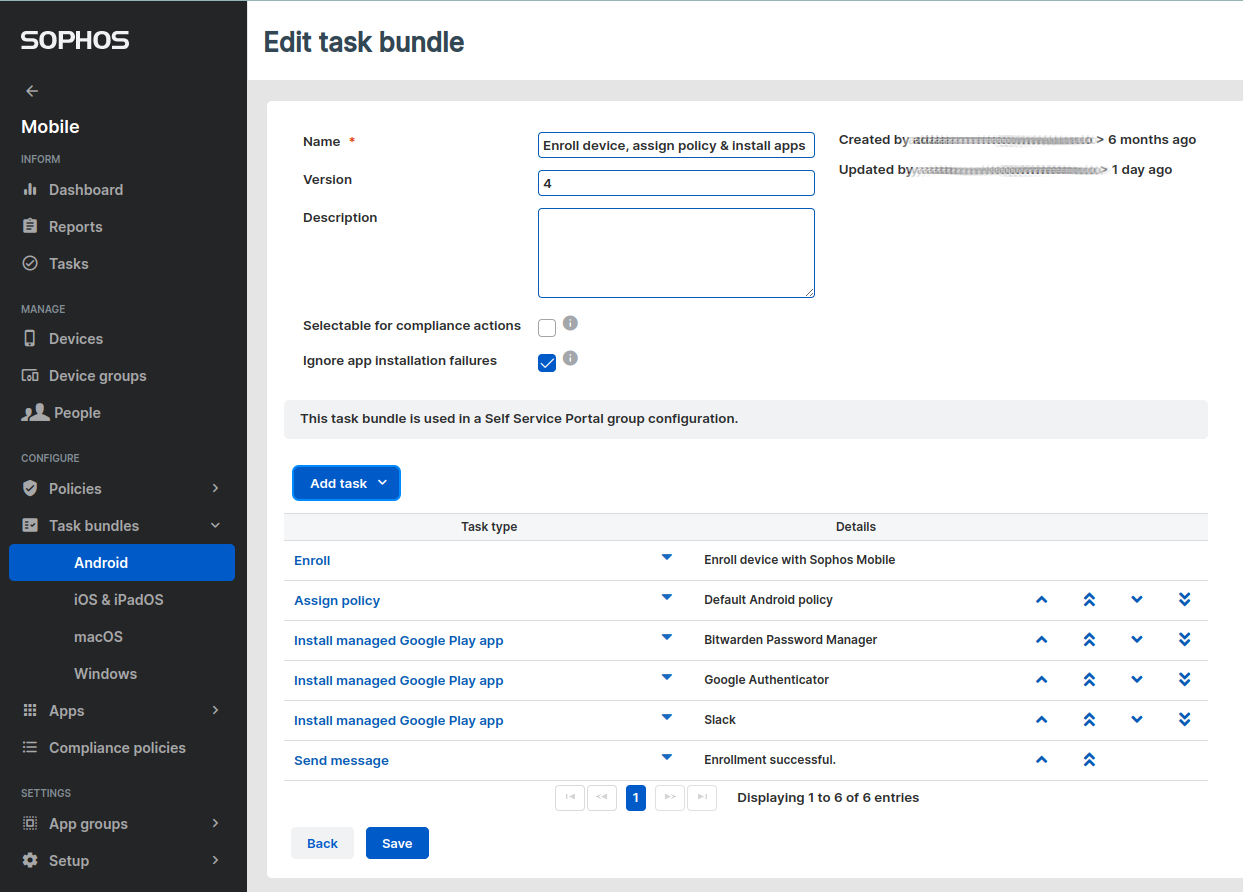
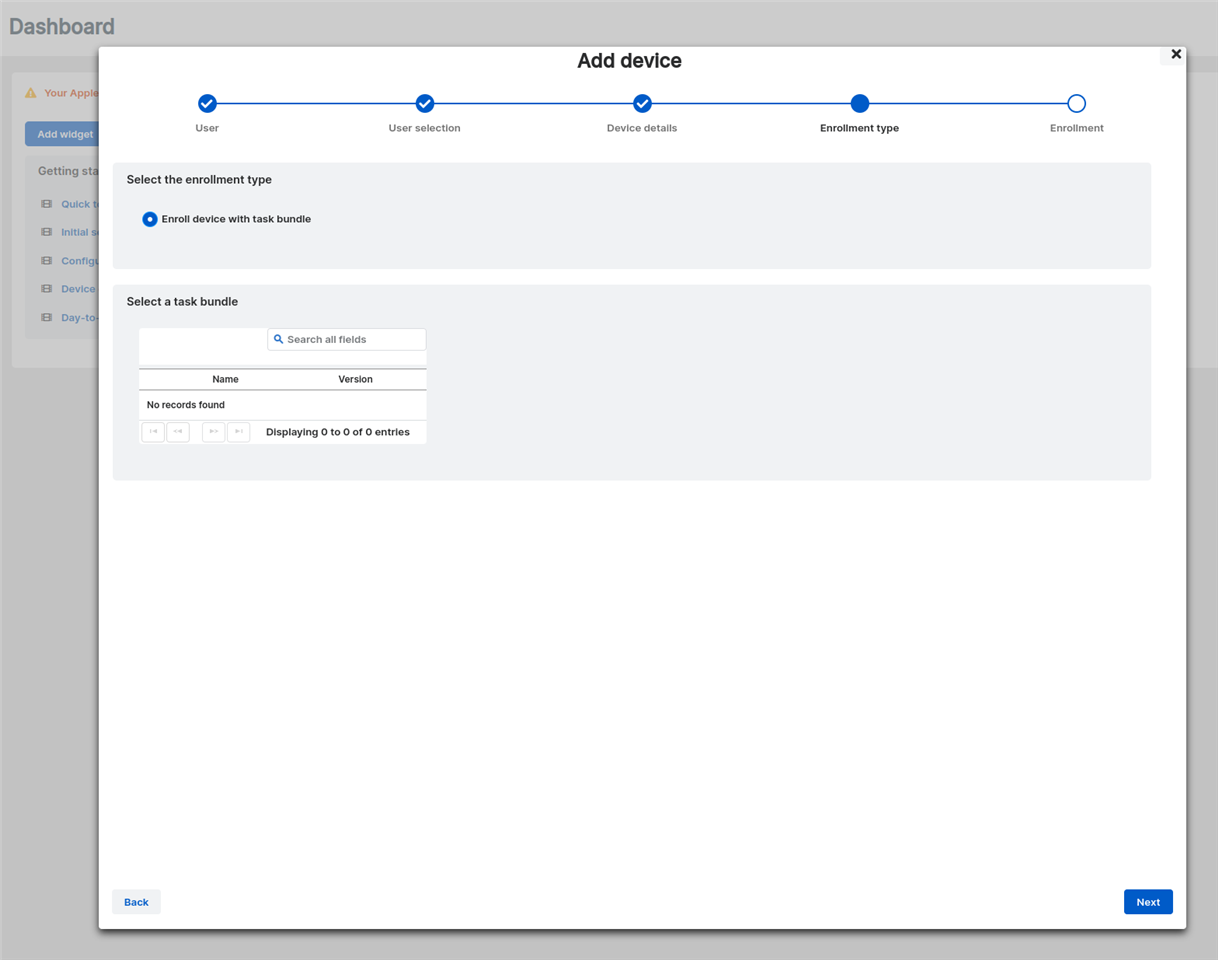
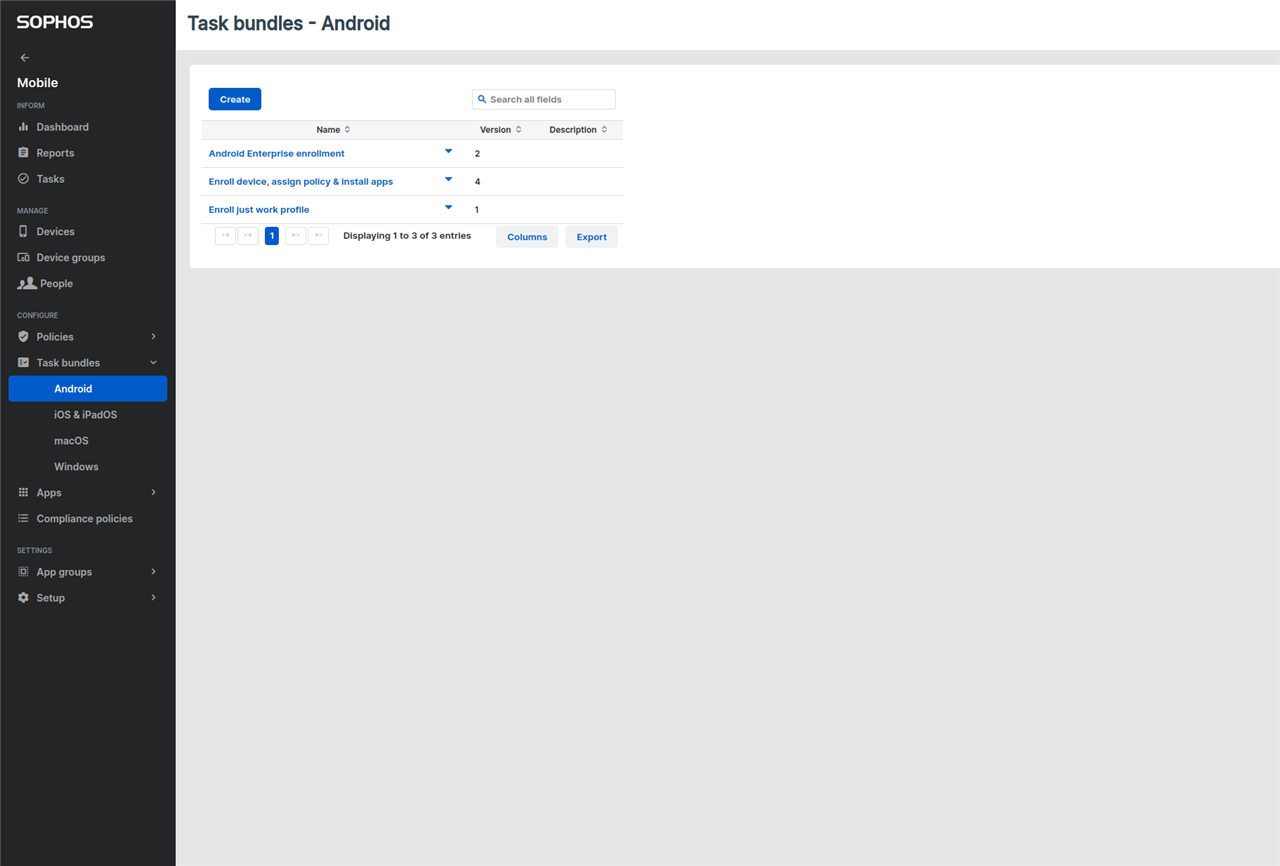
Hello. I'm having issues with adding Android devices to Sophos Mobile. When going through the "Add device wizard", I can't select any other type of enrollment except for  an "Enroll device with task bundle", which is empty. Even though I have tasks bundles and policies configured for both the "Full device" and for "Work profile only". I therefore cannot finish the wizard when adding a new android device. Is there something I'm missing?


This thread was automatically locked due to age.

Top Replies

  • Hi Adam,

    As discussed via PM, upon reviewing the configuration, the Android Enterprise mode is set to "Managed Google Domain". With this mode, devices can only be enrolled through the Self-Service Portal, and you won't be able to enroll them in Sophos Central Admin. If you want to be able to enroll the devices in Central, you'll have to use the "Managed Google Play" mode. More information can be found on the following article: Set up Android Enterprise - Overview

    Additionally, please ensure that the Managed Google Domain is set up as per this document: Sophos Mobile Set up Android Enterprise (Managed Google Domain scenario).

    If further assistance is needed, kindly open a support case through our Support Portal so we can further look into it. Thank you.

    Jump to answer
Parents Reply Children
No Data