This discussion has been locked.
You can no longer post new replies to this discussion. If you have a question you can start a new discussion

Sophos Connect Mac OS Ventura

I have tried running Sophos Cnnect on my MBP Ventura 13.3 but it won't even open. Nothing appears after I double click it. Is this a known bug? I can get OpenVPN to get through but was hoping to use connect at some point


This thread was automatically locked due to age.

Top Replies

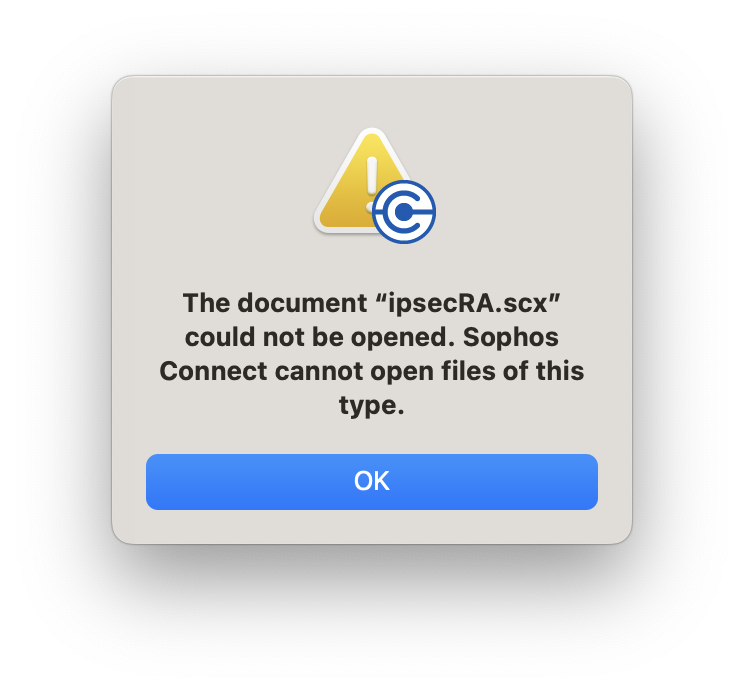
  • Dont double click on the scx file or try to open it with SCC application the below error is seen

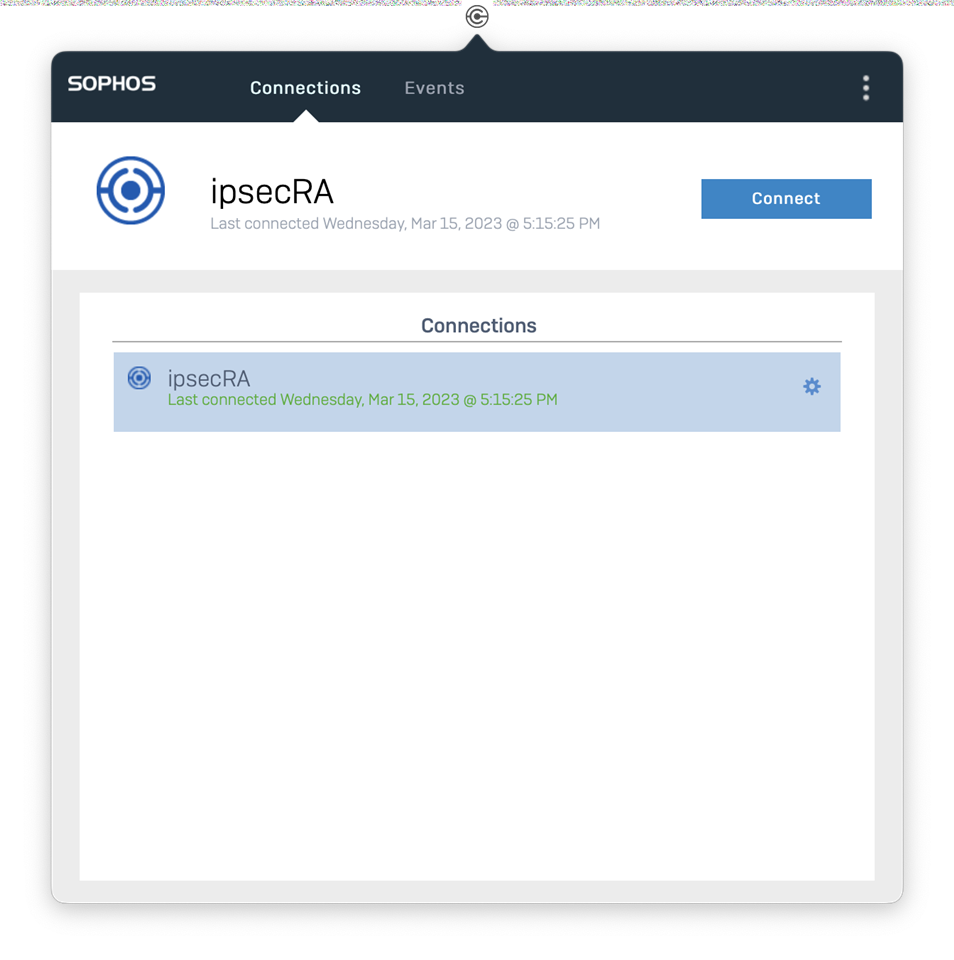
    When we import the scx file from SCC application we are able to import and connect. Please check and let us know.

    Jump to answer
Parents Reply
  • Could you uninstall and re-install the SCC ? Post that when you open the SCC, import the .scx file and connect.

    We have tried it on Ventura + M! chip macBook, it worked for us. Only when you double click on the file and try to open it with SCC, it failed. That's what I said, we will check further.

Children