This discussion has been locked.
You can no longer post new replies to this discussion. If you have a question you can start a new discussion

How configure SSL/TLS inspection settings for smartphone apps

Hello there.
I am using XG firewall home edition in my house.
Some of the iOS apps are not available with SSL/TLS inspection enabled. When disabled, they can be used.

I checked LogViewer and in some cases it is Error and in other cases it is not Error.
I am checking LogViewer and iOS apps one by one. If necessary, I add them to the Local TLS exclusion list.

But this is hard work. And I want to respect the children's privacy, so we would like to keep LogViewer checks to a minimum.

How do you configure SSL/TLS inspection settings for mobile devices?

Regards,

XG135

HomeEdition(SFOS 19.0.1 MR-1-Build365)


This thread was automatically locked due to age.

Top Replies

  • Android Smartphones will not work well with decrypting Proxy.

    Even if you install the Proxy CA certificate on the phone, many system and 3rd party apps will not trust certificates in the user store. you cannot add CAs to the system store.

    Apps like firefox allow you to install a custom certificate but many apps will not allow that or no not have an option for that.

    You will need to disable decryption for smart phones to work correctly.

    Jump to answer
Parents Reply Children
  • Hello, rfcat_vk

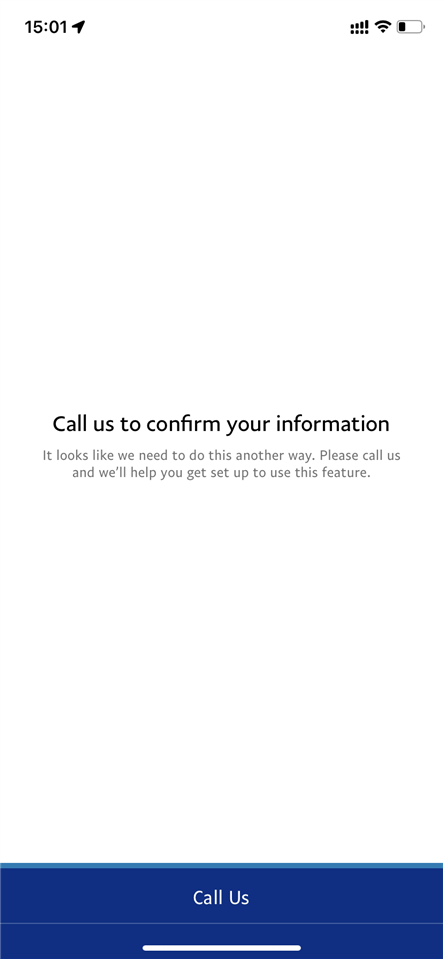
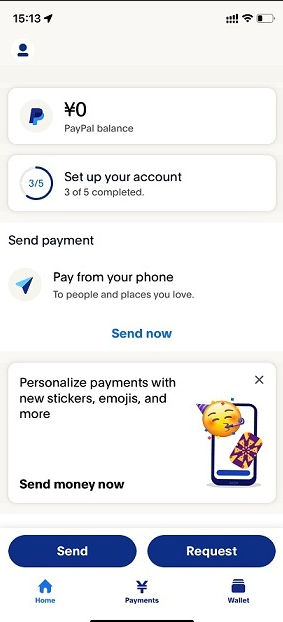
    The image shows the Paypal application.

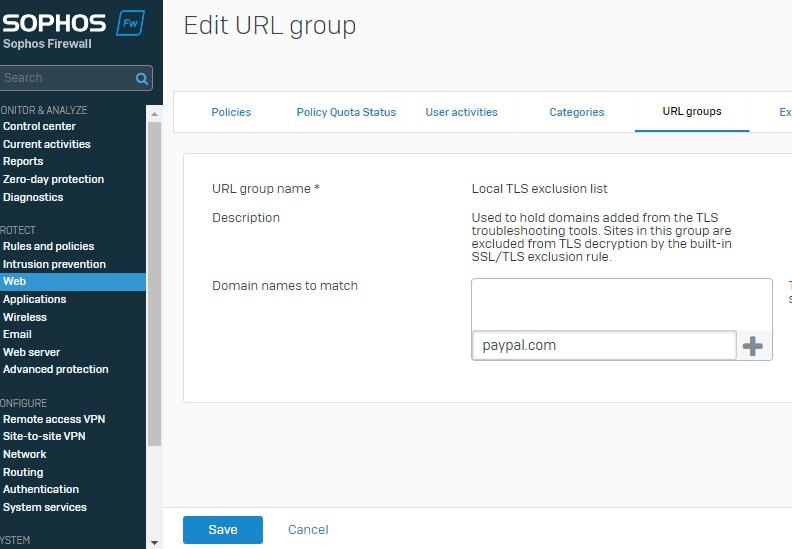
    When "Paypal.com" is not registered in the Local TLS execution list, the app is not displayed. It will be displayed after it is registered.

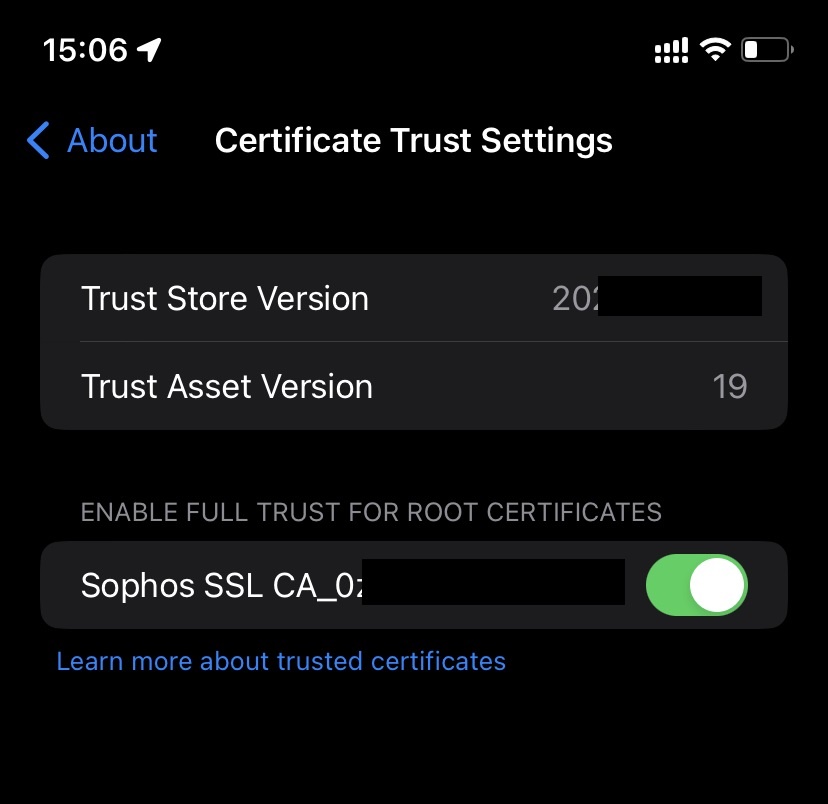
    CA root certificate is already installed.

    My XG Firewall is set up in bridge mode. I do not have proxy settings on each device, but my iPhone browser and PC are working fine. Do I need to configure proxy settings on each device?

    regard,

  • By adding that app to the exclusions lists means it is not being scanned.

    You would use the XG proxy in your firewall rules.

    Out of curiosity why do you have the XG in bridge mode?

    Ian

    XG115W - v19.5.1 mr-1 - Home

    If a post solves your question please use the 'Verify Answer' button.

  • Thank you  , 

    > By adding that app to the exclusions lists means it is not being scanned.

    In the case of iOS applications, they have been reviewed by the Appstore.
    Therefore, we believe that scanning is not required.

    > You would use the XG proxy in your firewall rules.

    Thanks to   I know how to operate it.
    I will study it and give it a try.

    > Out of curiosity why do you have the XG in bridge mode?

    Because my router does not have firewall capability. Therefore, I purchased XG.
    It is installed between the router and the L2 switch.
    And all packets pass through the XG.
    I use XG as a dedicated firewall unit in order to have the devices play different roles.

    Thank you.