This discussion has been locked.
You can no longer post new replies to this discussion. If you have a question you can start a new discussion

QoS Sophos XG

Hello, everyone,

I have a problem with QoS settings.
I have a RED tunnel between a branch office and the head office.
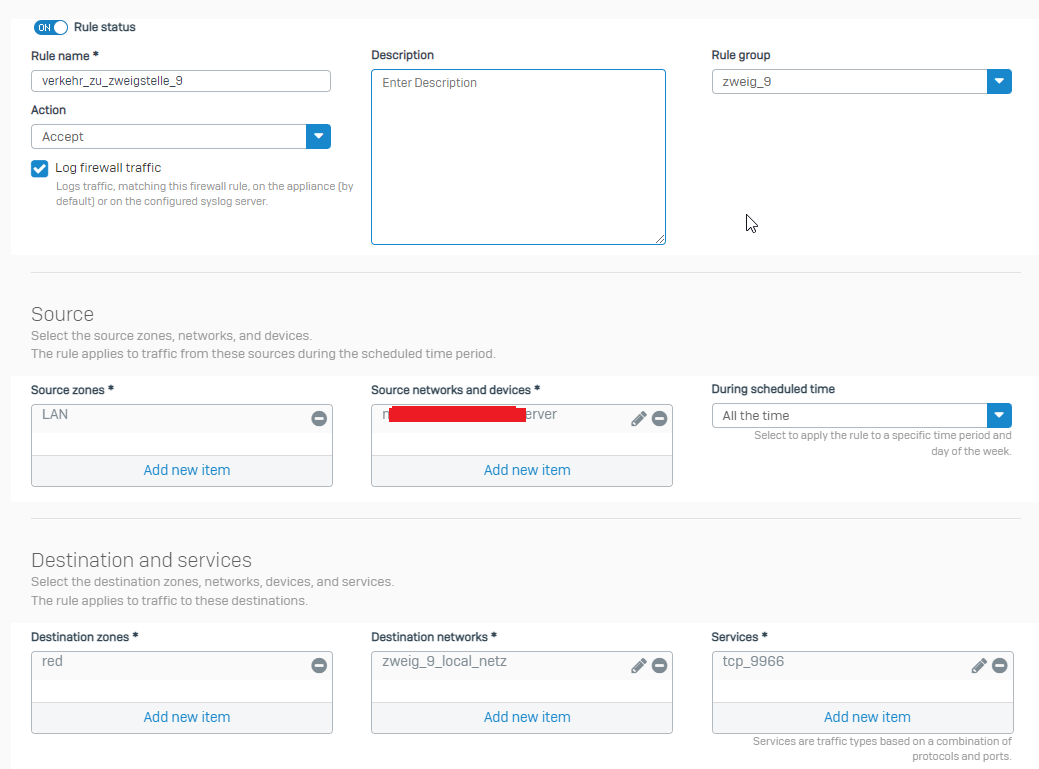
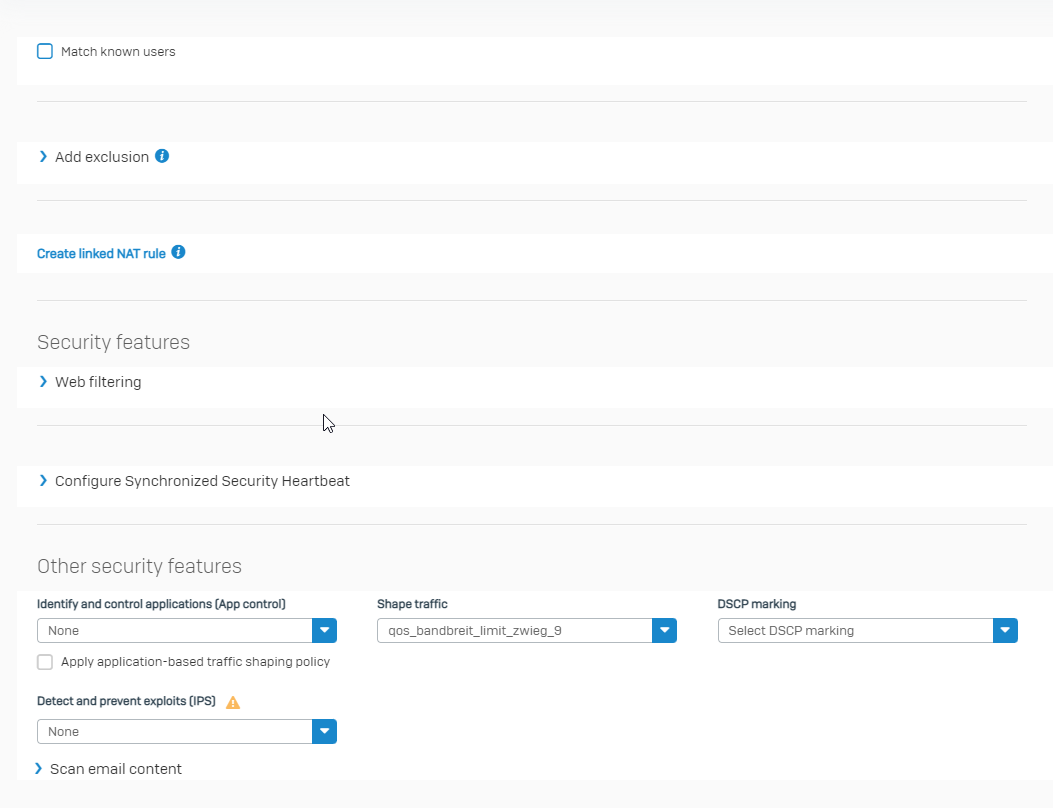
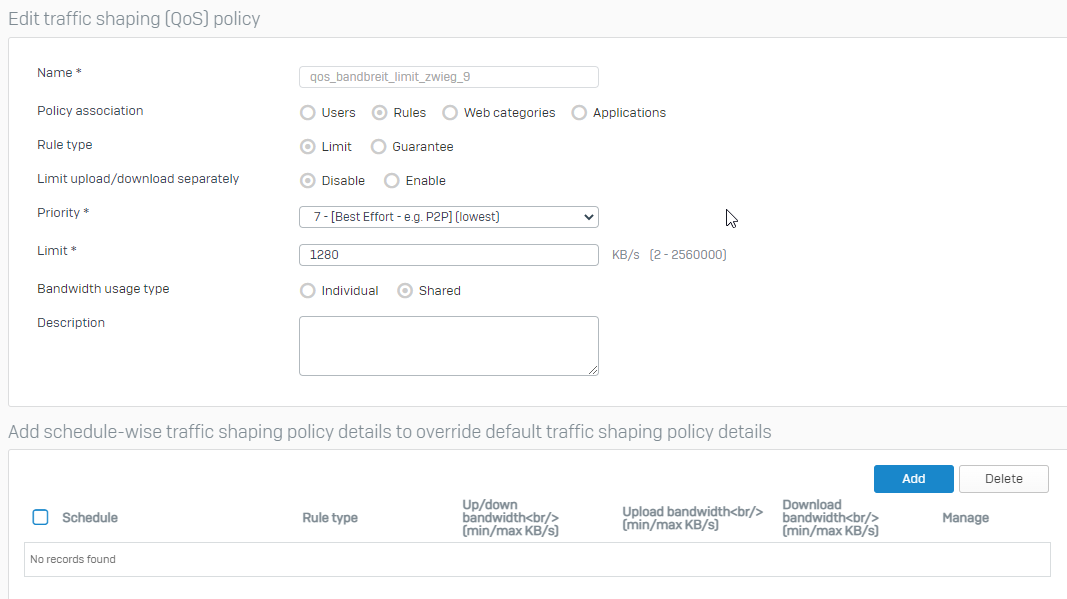
I would like to set up QoS between the 2 points for port TCP 9966. I set a limit and then included it in firewall rules. But it does not work.
I've tested everything.
I look forward to any help.

greeting
Farzan


This thread was automatically locked due to age.

Top Replies

  • I found the solution and I'm sharing it with you.

    everything I did in configuration was correct.

    but QoS cannot affect the active sessions. That is, before I created a firewall rule with QoS, another firewall rule was active there, with which the traffic was matched. After that I created a new firewall rule with limited QoS. Although the sessions were matched with the new firewall rule, but still QoS didn't work.
    Therefore, after creating the new firewall rule with QoS, I terminated all active sessions between the source and destination address(es).
    The commands I used:
    first login via SSH.
    # conntrack -L | grep "orig-dst=10.1.10.2" (example IP of target server) - confirm active sessions. "L" stands for List
    # conntrack -D -d 10.1.10.2 - explicitly deletes all sessions towards target address. "D" stands for "Delete conntrack or expectation" and "d" for destination address.

    After that, QoS was working properly.
    I recommend that when you do QoS setting, please pay attention to the active sessions between source and destination and kill them after creating firewall rules.

    Jump to answer
Parents Reply Children
No Data