This discussion has been locked.
You can no longer post new replies to this discussion. If you have a question you can start a new discussion

Unable to access Sophos XGS with serial connection with console cable

Hi,

Since, for some reason, I'm not being able to access my Sophos XGS appliance trough a webadmin or ssh conection, I'm trying to access the device with a serial connection with a console cable.

I've followed this procediture:

https://support.sophos.com/support/s/article/KB-000035769?language=en_US#Driver-download

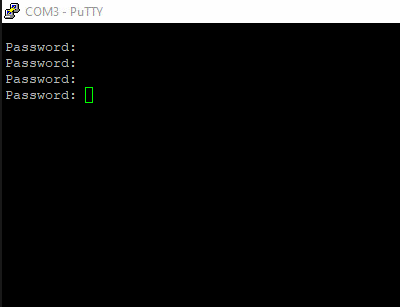
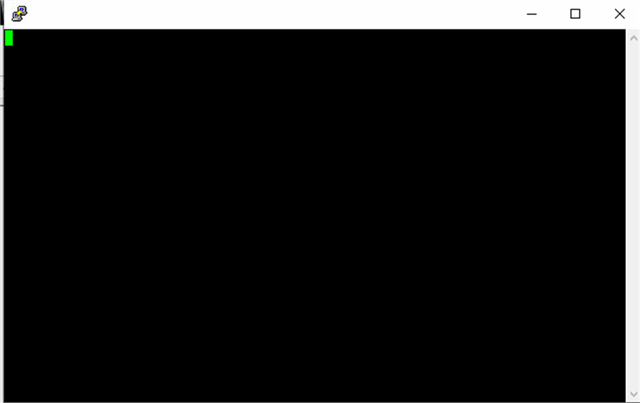
But still I cant establish a session and this is all I can see on Putty:
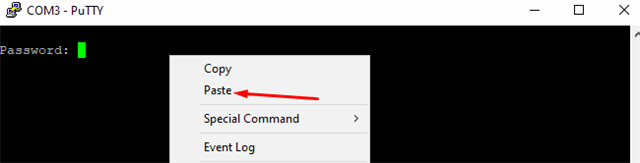
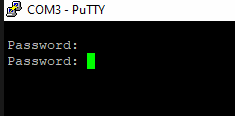
Here are some screenshots:
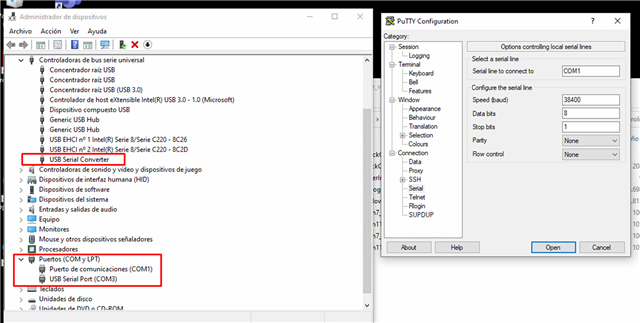
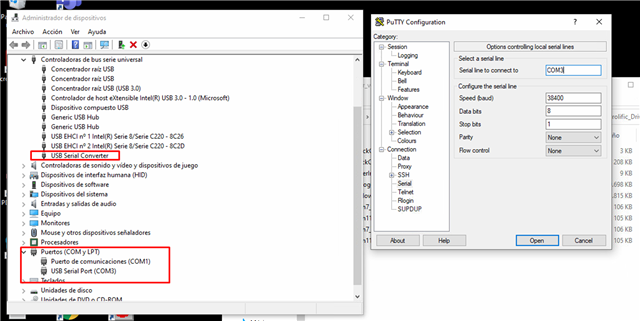
Some considarations:

1. I'm using the micro USB cable that came with the device during its unboxing.

2. I have installed both suggested Windows drivers:

Please advice.


This thread was automatically locked due to age.

Top Replies

  • At the moment you see the port (com3) within the device-manager, the drivers should work. (Some minutes after connecting the XGS via USB windowsupdate installs the drivers for me)

    38400 is the speed i used too. After hitting the keyboard, I see something from the device.

    The XG is running? You are able to ping to or through the XG?

    Jump to answer
Parents
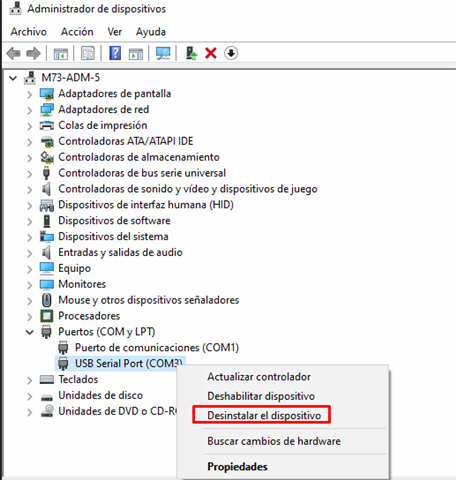
  • I've just gained access by deleting the iitems at the device manager and then clicking "find hardware cnanges"

    BUT... now the terminal is not regonizing the admin password (its the same I always use to log in as admin at the webadmin console). Do I have to use another password for at the console terminal? Any advice?

Reply
  • I've just gained access by deleting the iitems at the device manager and then clicking "find hardware cnanges"

    BUT... now the terminal is not regonizing the admin password (its the same I always use to log in as admin at the webadmin console). Do I have to use another password for at the console terminal? Any advice?

Children