This discussion has been locked.
You can no longer post new replies to this discussion. If you have a question you can start a new discussion

Sophos XG - Lets Encrypt broken - Certificate authority: Invalid or not installed

After the latest DST X3 certificate issue. All of my Let's encrypt certificats is not being validated correctly on my Sophos XG. Everything updated to latest version.

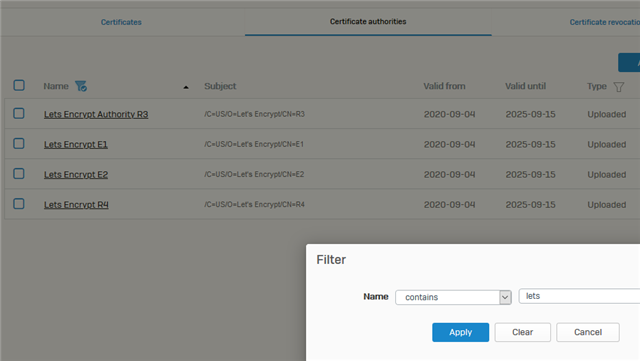
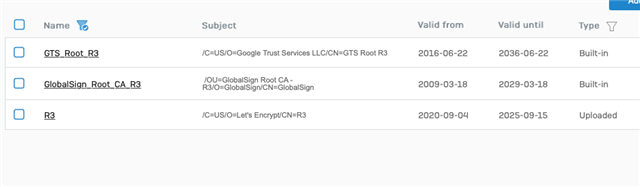
I've tried to remove the Let's Encrypt R3 certificates. Re-upload the new ones. Followed all guides available. But still my issue persists.

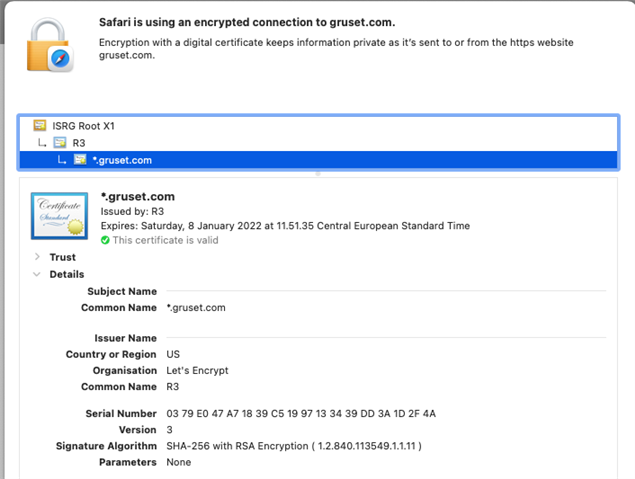
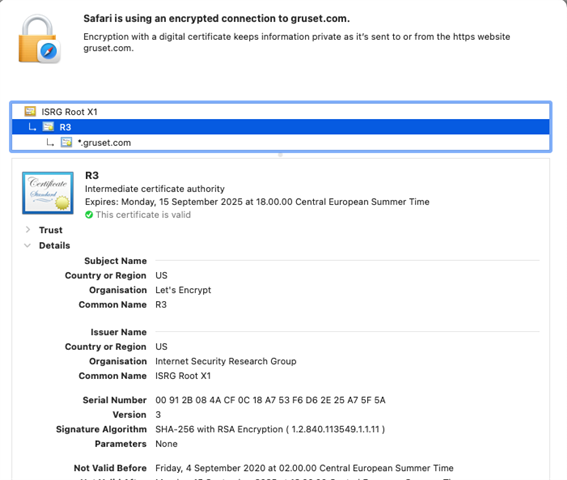
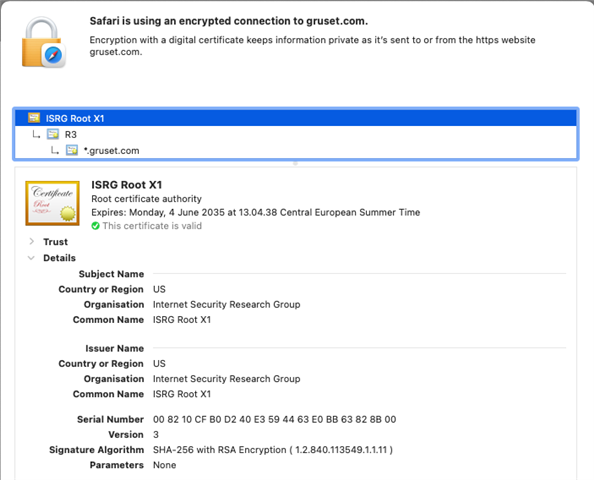
All my iOS devices accessing WAF sites from the outside, still pukes saying the certificate is expired on 29th september. Even though I've reissued completely new certificates and removed everything i could finde delated to DST...

What on earth is going on?


This thread was automatically locked due to age.

Top Replies

  • I could solve it by SSH-->Advanced shell, check all certificates in folder /conf/certificate/cacerts. 

    In my situation this folder contained a lot of imported ca certificates that didn't show in the web interface (including the expired DST certificate, but it had the name of my website+CA). After deleting all the uploaded certificates in this folder, and after deleting/reimporting the  letsencrypt certificates in the webinterface, they are green and trusted again.

    Jump to answer
Parents Reply
  • I have the same issue, al the necessary intermediate and root authorities are installed, still the imported pfx lets encrypt certificates are marked with the red cross and the message "Certificate authority: Invalid or not installed Issuer

    /C=US/O=Let's Encrypt/CN=R3.
    This mentioned certificate is installed under Certificate authorities.
    Also a waf protected website is reported by ssllabs supplying the old expired DST certificate, but
    that certificate is nowhere to be found (Certificate authorities) in the management interface of Sophos XG

    SFVH (SFOS 18.5.1 MR-1-Build326)

Children
No Data