This discussion has been locked.
You can no longer post new replies to this discussion. If you have a question you can start a new discussion

Problem between RED and XG - transmission of the voice

Hello,

we have a problem with the transmission of the voice on our IP telephones between the XG and the SD-RED 20.

The connection can be established (it rings and you can pick up the receiver), but nothing can be heard.

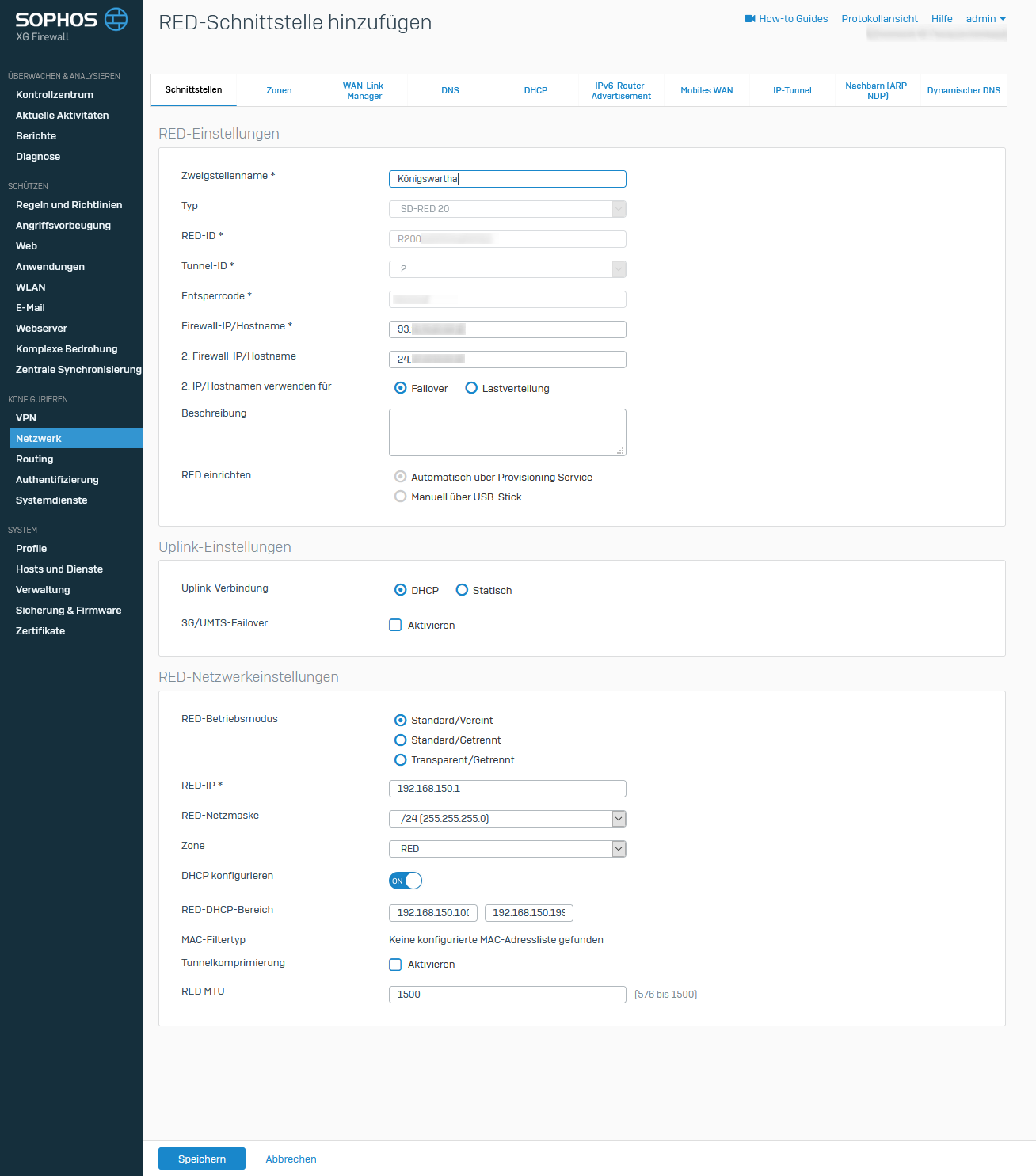
The RED is located in the network 192.168.150.0/24

The XG in the network 192.168.130.0/24.

The telephone system has the 192.168.130.251.

Otherwise all traffic between the XG and the RED works.

Do any routes have to be set here in addition to the firewall roles?

Thank you very much and best regards ...

Martin


This thread was automatically locked due to age.

Top Replies

  • FormerMember
    FormerMember in reply to Admin TSK +1 suggested

    Assuming you have kept RED in the VPN zone.

    In this case, you just need VPN to LAN firewall rule to communicate between Sophos Firewall local network: 192.168.130.0/24) and RED network: 192.168.150.0/24

    If it's in the LAN zone, then a firewall rule needs to be configured with LAN as a source and destination zone.

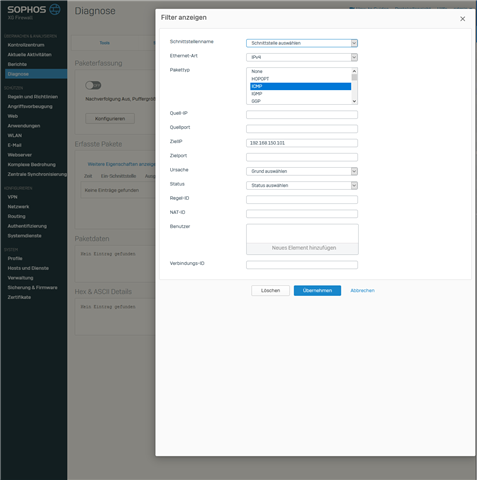
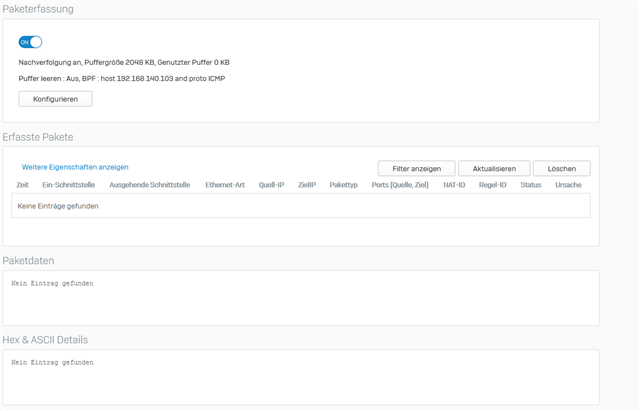
    Please take the packet capture by following the below steps:

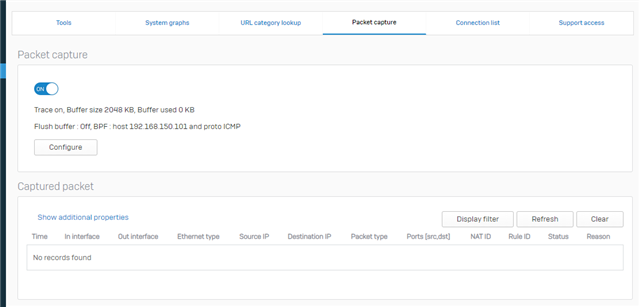
    ==> Navigate to Diagnostics > Packet capture

    ==> Use BPF string: host 192.168.150.x and proto ICMP

    Here, 192.168.150.x is an IP address of the source machine from where you're checking ICMP(ping).

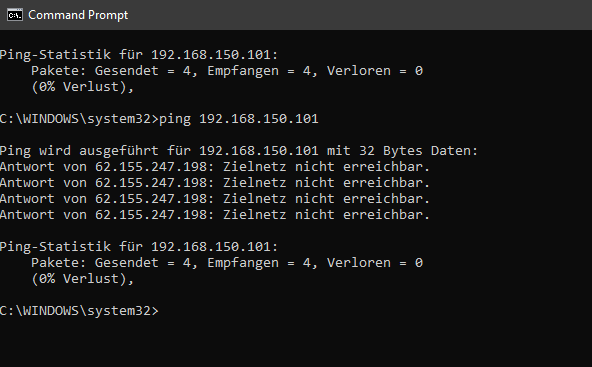
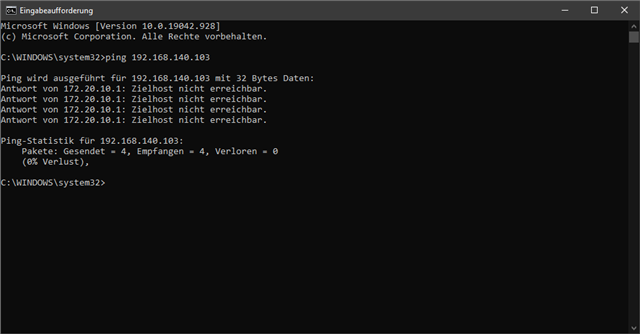
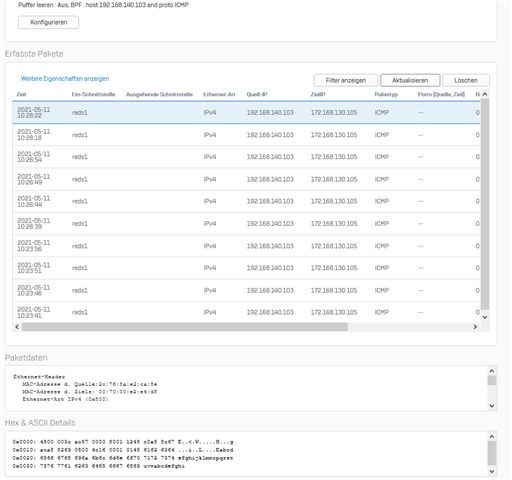
    ==> Start the capture and initiate a ping from the RED network machine.

    This would confirm whether traffic from the RED network hits on Sophos Firewall or not.

    Jump to answer
Parents Reply
  • Hi there,

    I just installed a RED device yesterday for a client, the scenario you described above was exactly the same issue I had.  The RED network could communicate with the client's PBX, I could ping the PBX, the phone would register & ring but no audio.

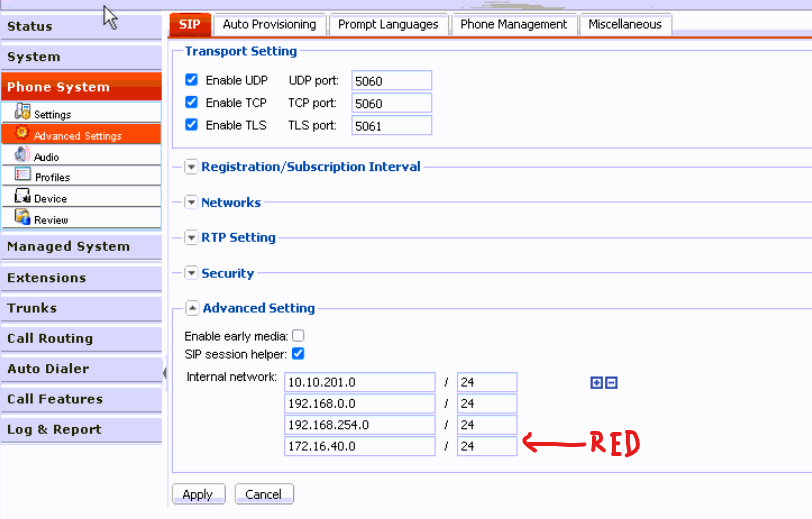
    in my case...  After some diag's and packet sniffing, the issue wasn't with the RED/XG, it was the PBX.  I had to enter in the subnet of the RED device as an internal network in the PBX config.

    Just a thought...  could be same issue.  Check your PBX.

    In my case this client uses a FortiVoice PBX, and this setting was under Phone System - Advanced Settings - SIP - Advanced Setting - Internal Network.

    André

Children