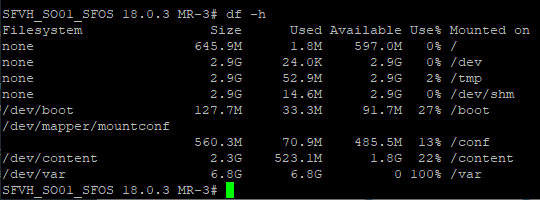
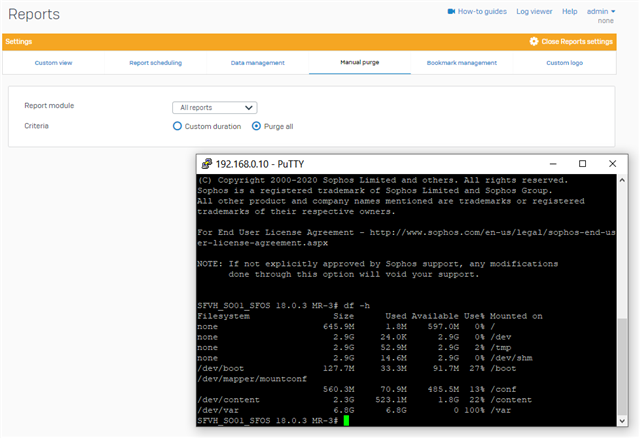
Hi,
probably need separate posts but after spending 4+ hours on live chat to eventually be told they cannot help and then they just ended the session! I have turned to these forums.
1, I am running SFOS 18.0.3 MR-3
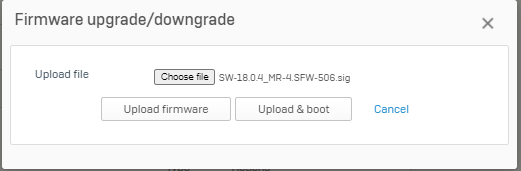
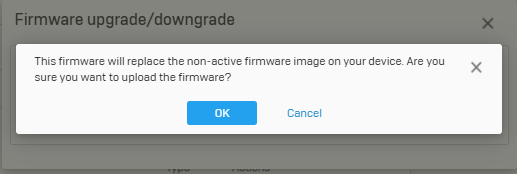
2, I cannot Download SW-18.0.4_MR-4.SFW-506 as when I click the download button nothing happens (have restarted) Support are unable to link me to a download location to download manually, when I try myself I get asked for my product licence username and password which I do not have (never have)
3, I cannot backup any longer via the internal mail server (have done ok since March last year but now it has just stopped working and there is nothing in the log viewer)
"Failed to send the test mail on the email address. For more details, refer to the log viewer"
4, Unable to get a connection to my FTP server (I use it all the time for other purposes) I am presuming this is because I cannot set a port number.
"Backup could not be sent due to incorrect server configuration"
If anyone can help with any of these issues I would really appreciate it!
Thank you
This thread was automatically locked due to age.