This discussion has been locked.
You can no longer post new replies to this discussion. If you have a question you can start a new discussion

SFOS 18.0.3 MR-3 - DPI performance

Hi,

I have tested a while with DPI engine, but I am a little lost with the perforamance tuning.

With everything off I get 420Mbit

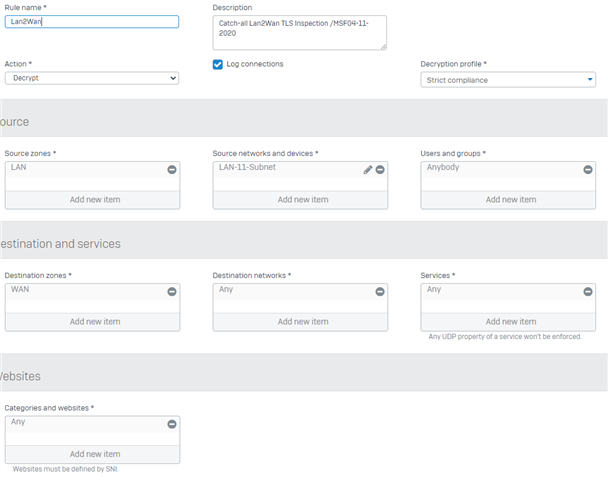
When I enable DPI SSL/TLS inspection with decrypt, IPS Policy LAN TO WAN I can only get 170MBit through.

I have enabled:

console> system firewall-acceleration enable
Firewall Acceleration Enabled Successfully.
console> system firewall-acceleration show
Firewall Acceleration is Enabled.

Any hints on what I made wrong? :-)


This thread was automatically locked due to age.

Top Replies

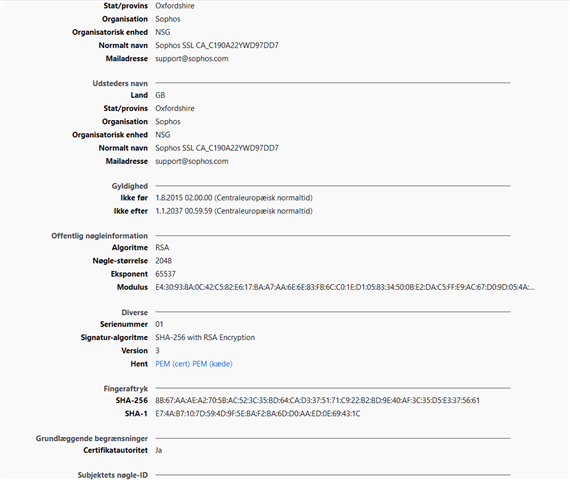
  • I have not uploaded Appliance cert info firefox.

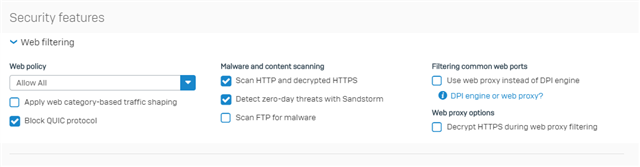
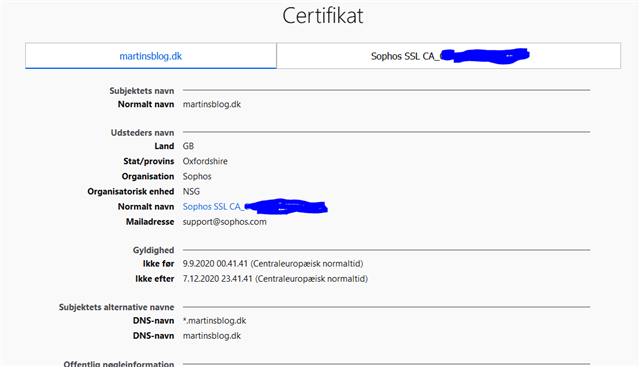
    Firefox doesn't use your system CA store, It has It's own; Since you didn't upload the certificate into Firefox and didn't got any warnings while browsing, It means It is using the Web Proxy without HTTPS Decrypt - hence if It has using DPI and you have the TLS Inspection rules in place, Firefox would give a warning saying that the firewall certificate is not trust-able.

    Edge In-private 176Mbit

    Firefox Private 413Mbit (Ful speed of ISP)

    It's hard to measure firewall throughput through HTTP speed-tests. But It shouldn't be that slow for the SG 210 Rev. 3.

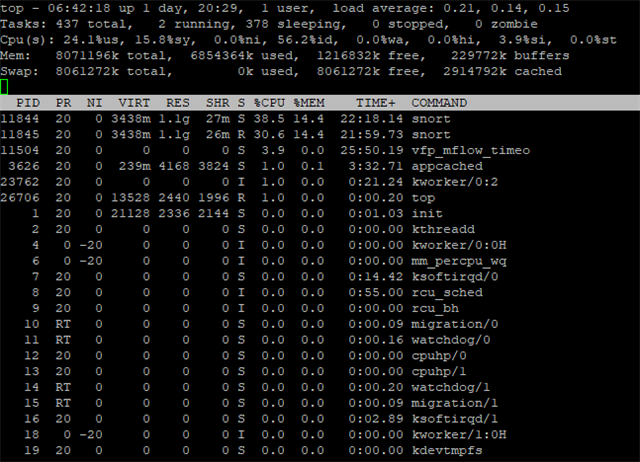
    Also, can you take a picture of the CPU usage with "top -d 1" command on the shell while doing a speed test ?

    Jump to answer
Parents Reply
  • It's been a few years since I had to do any throughput troubleshooting but I do remember that speedtest.net tests using multiple threads which is not very helpful for troubleshooting this sort of issue as it hides performance issues. If, for example, it uses 6 threads then each thread only has to achieve 70Mbit for you to think you are getting your full 420Mbit overall. You really need to use a test that works with a single thread like iPerf can. There are speedtest websites that offer single thread tests but I can't remember the one I used.

    Update: While looking for a single thread website test I found that speedtest.net does offer this as an option but I couldn't find it on its website. You may have to create an account to be able to set that preference.

Children