
This discussion has been locked.
You can no longer post new replies to this discussion. If you have a question you can start a new discussion

MacOS Monterey Sophos endpoint client installation failed

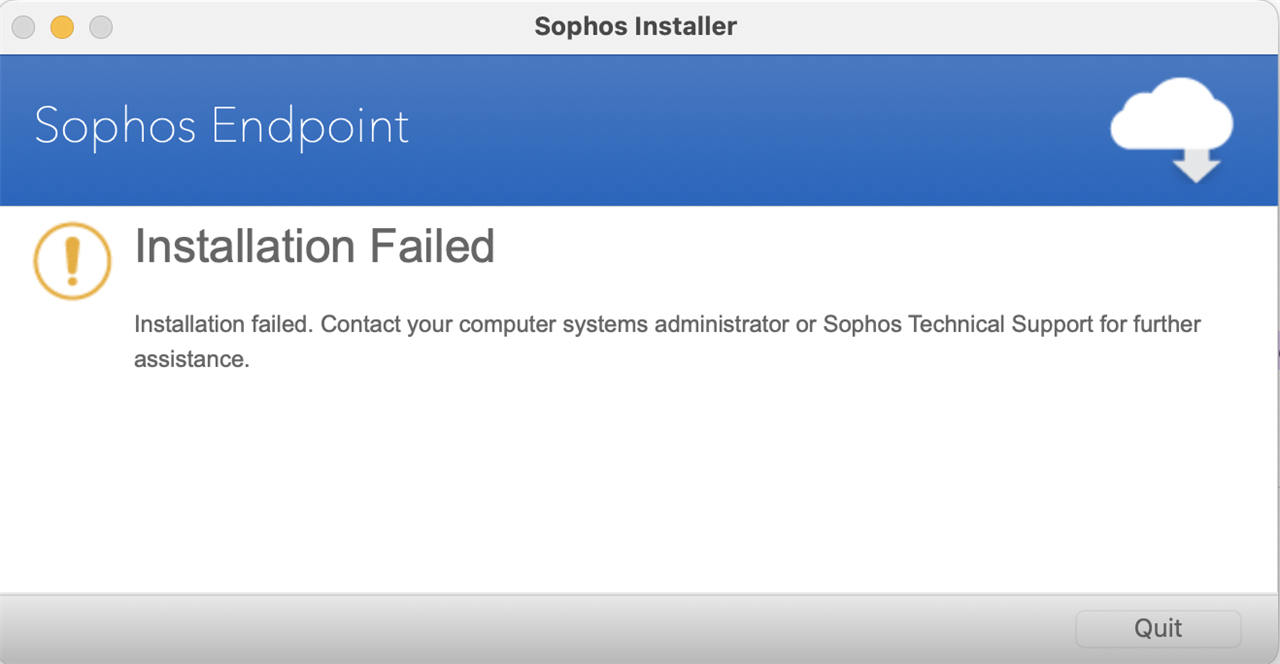
Tried installing Sophos client on my MAC pro with Monterey OS and keeps giving me failed installation error.

I have tried the steps in this article: Sophos Endpoint Mac Installation Failed however still does not install, any further help would be appreciated.

Just to confirm, i have tried moving the installation folder to the home directory as well as other directories.

Have tried going into recovery mode and following the process described on the link provided.

I have also run the Sophos installer directly from the package contents on the Macos folder of the app file.


This thread was automatically locked due to age.

Top Replies

Parents Reply
  • When checking the logs I can see the following. 

    2022-10-10 13:14:56.654913-0500 InstallationDeployer[4882]: install debug : [SMEInstallController.m:288] Product selected: saas
    2022-10-10 13:14:56.654957-0500 InstallationDeployer[4882]: install error : [SMEInstallController.m:298] Required bundle (shared-protection) not available.
    2022-10-10 13:14:56.654967-0500 InstallationDeployer[4882]: install debug communications : [SMEInstallController.m:208] <main thread>[SMEInstallController setInstallerState: The installation failed. (1)]

    Based on this, it looks like the files the installer package is looking for are not available. Could you try downloading a new installer, as Jaime suggested below? 

    Kushal Lakhan
    Global Community Support Engineer
    Connect with Sophos Support, get alerted, and be informed.
    If a post solves your question, please use the "Verify Answer" button.
    The New Home of Sophos Support Videos!  Visit Sophos Techvids
Children
No Data