Unable to start the encryption in MS Surface book3.
the PIN option is not showing after the safeguard installation for encryption
This thread was automatically locked due to age.

Unable to start the encryption in MS Surface book3.
the PIN option is not showing after the safeguard installation for encryption
Yes, the Surface does and will support SGN.
There's a few potential factors here though.
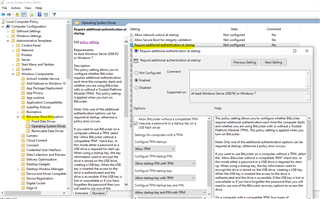
It would appear from your screenshot that your fallback policy is USB startup. For what could be many reasons (TPM disabled in BIOS/UEFI, hardware outdated, GPO settings conflicting - as the machine is a tablet/touch screen you need to make sure your GPOs takt this into account) - The TPM on THIS device is not available.
It's then fallen back to the next policy - use USB instead.
Could you please run (elevated command prompt) TPM.MSC on this machine and post the results please?